 Image 1 of 1
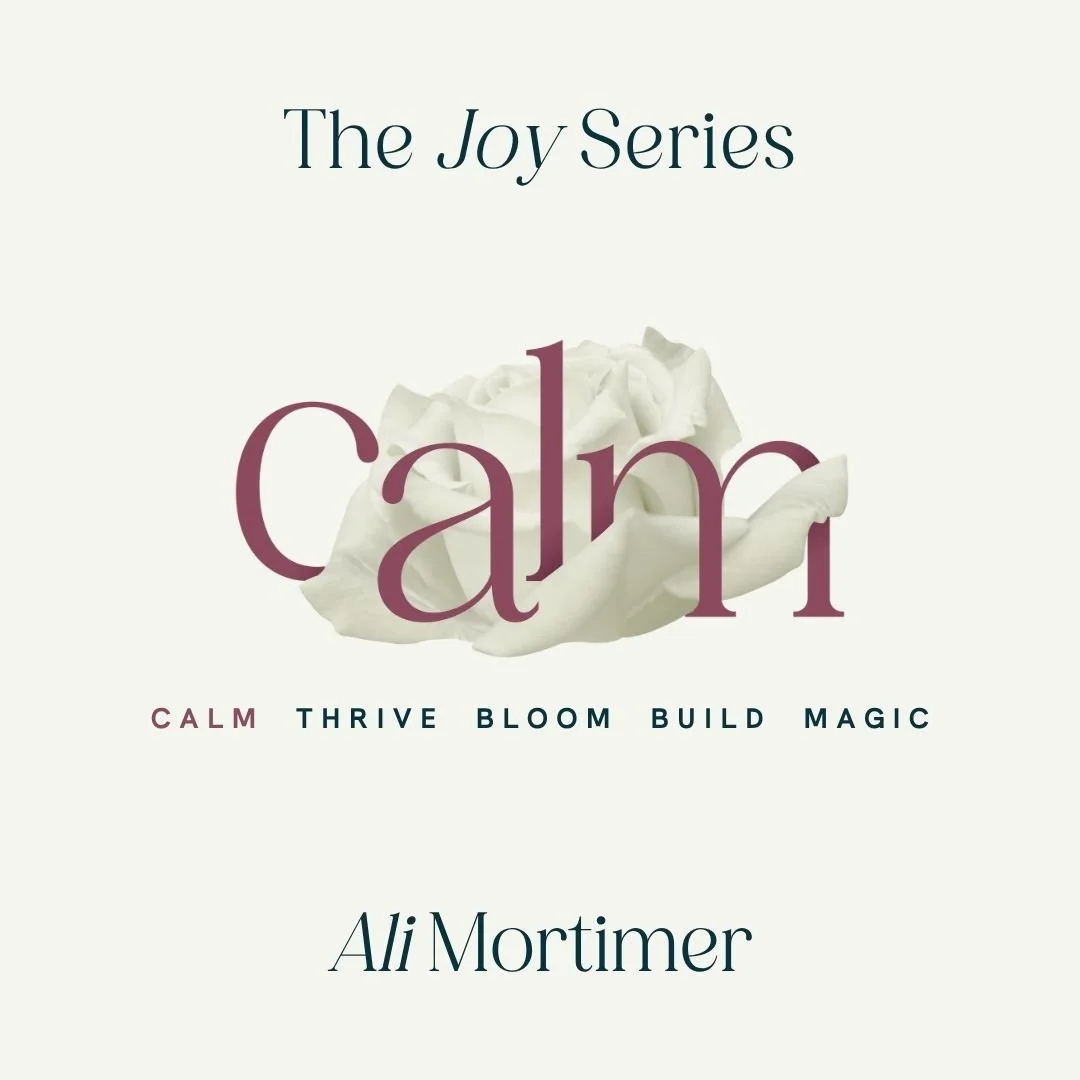
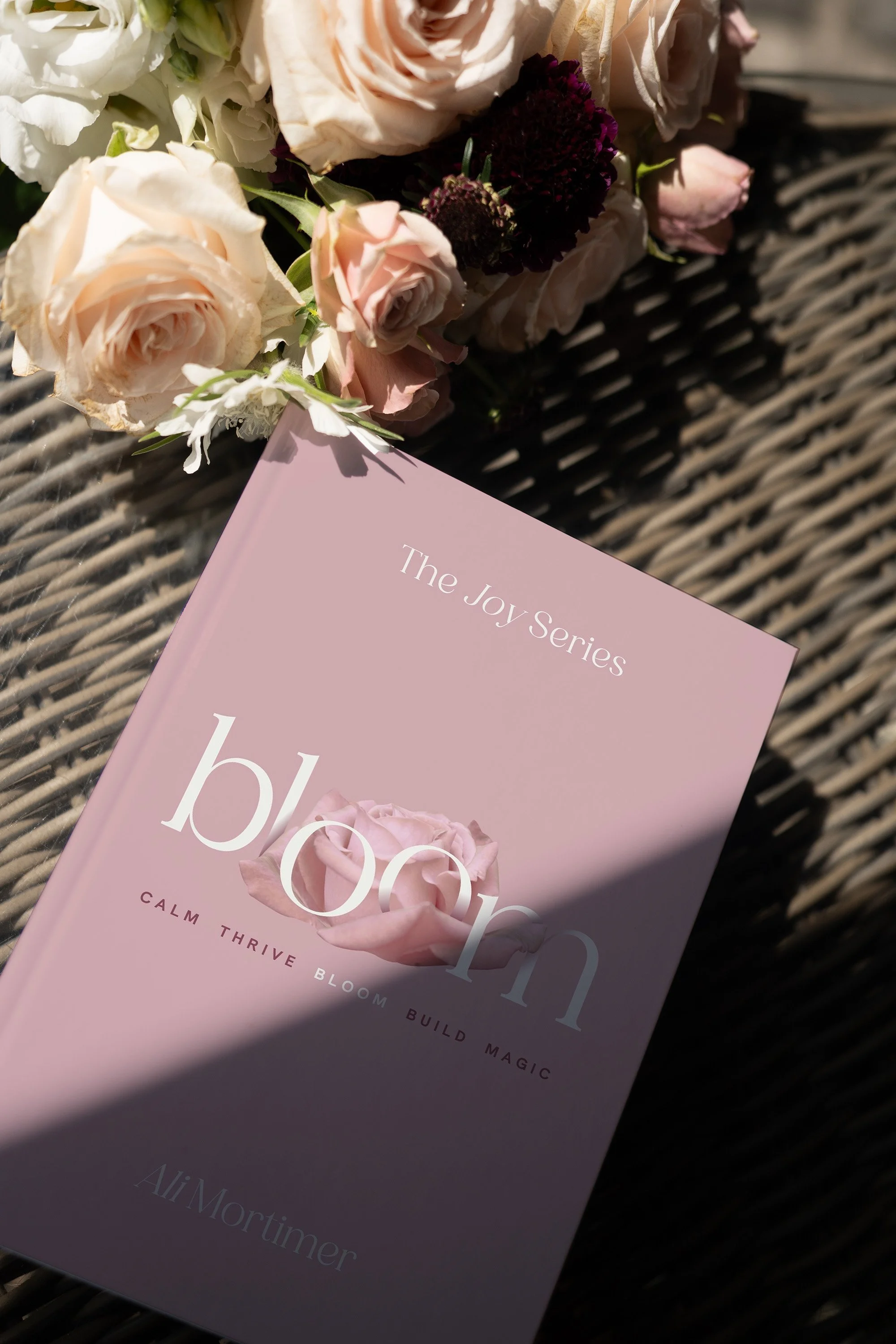
This book tells my love story. It shares the storms that ravaged my life, my health, my career and my relationships. It shares how the version of me you see today was forged in a firestorm. I reflect on the ring of fire I went through after the death of my mum, the decision to end one career and wonder what was next, the heartbreak I felt in my relationship and the crippling darkness of depression of everything happening in quick succession.
This is the story of how the rose bloomed after the darkest winter and shares the strategies and toolkit of how you can too.
How to Download & Read Your eBook (ePub)
On iPhone or iPad
1. Tap the download link to get the .epub file
2. Tap Open in Books when prompted — it will open straight in Apple Books
3. The book saves automatically to your library
On Android
1. Tap the download link — the file will save to your Downloads folder
2. Open a reading app (Google Play Books or Moon+ Reader are both free)
3. In the app, tap Import or Open file and select the .epub file
On a Computer (Mac or PC)
1. Click the download link — the file saves to your Downloads folder
2. Open it with Apple Books (Mac) or Adobe Digital Editions (PC — free to download)
3. The book will open and save to your library automatically